Recoloring guide
Change product colors online for mockups
Explore a new product colorway by replacing a selected color in your image. Use a mask to limit the edit to the product surface, compare the preview, and export a PNG for mockup review. A recolored mockup is a visual concept; it may not accurately represent a manufactured product color.
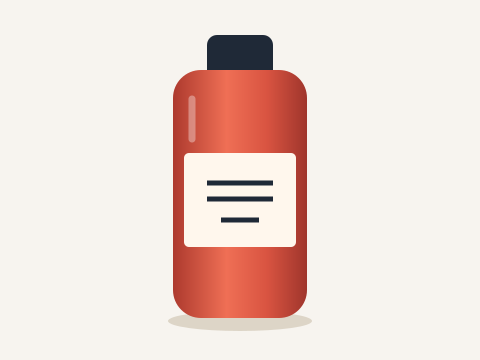
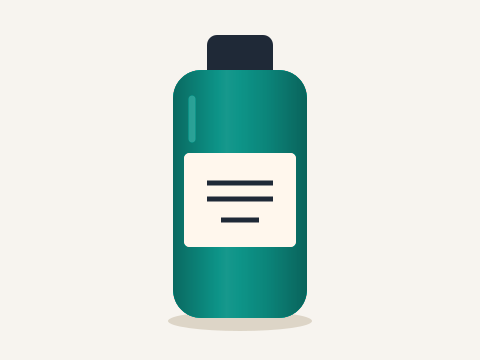
Choose a suitable product photo
Choose a surface with a source color distinct from the background. The demonstration uses an original raster bottle illustration to make the surface and label easy to inspect; it is not proof of a photographic material match. Download the sample.
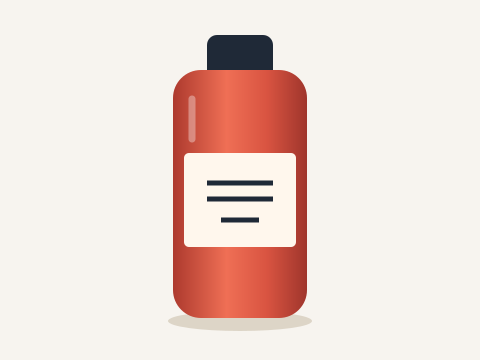
Mask the product surface
Use Select to paint the intended surface and Erase to protect labels, logos and the background. If the label is already a different color, inspect whether it remains unaffected before relying on automatic color matching.
Adjust the replacement color and shading
The sample uses teal (#0d9488), Strength 100, Tolerance 45, Edge softness 18, Color purity 20, Shade on and Prime white first on, with Protect and Detail off. Compare the shaded surface and highlights with the original. A selected color value does not guarantee accurate physical-product color reproduction.
Compare and export your mockup
Try another replacement color and export each variation separately. This is a manual workflow, not batch SKU generation. Inspect text, shadows and edges before sharing the concept.
Understand color matching limits
Lighting, source compression, material and display differences affect the result. Use verified product photography when accurate representation is required. For an actual garment photo, see how to change shirt color.
Try your own color replacement
Choose an image, replace a selected color, inspect the result, and download a PNG.
Open the image color changerTroubleshoot recolor settings · Formats and export help · All recoloring guides